
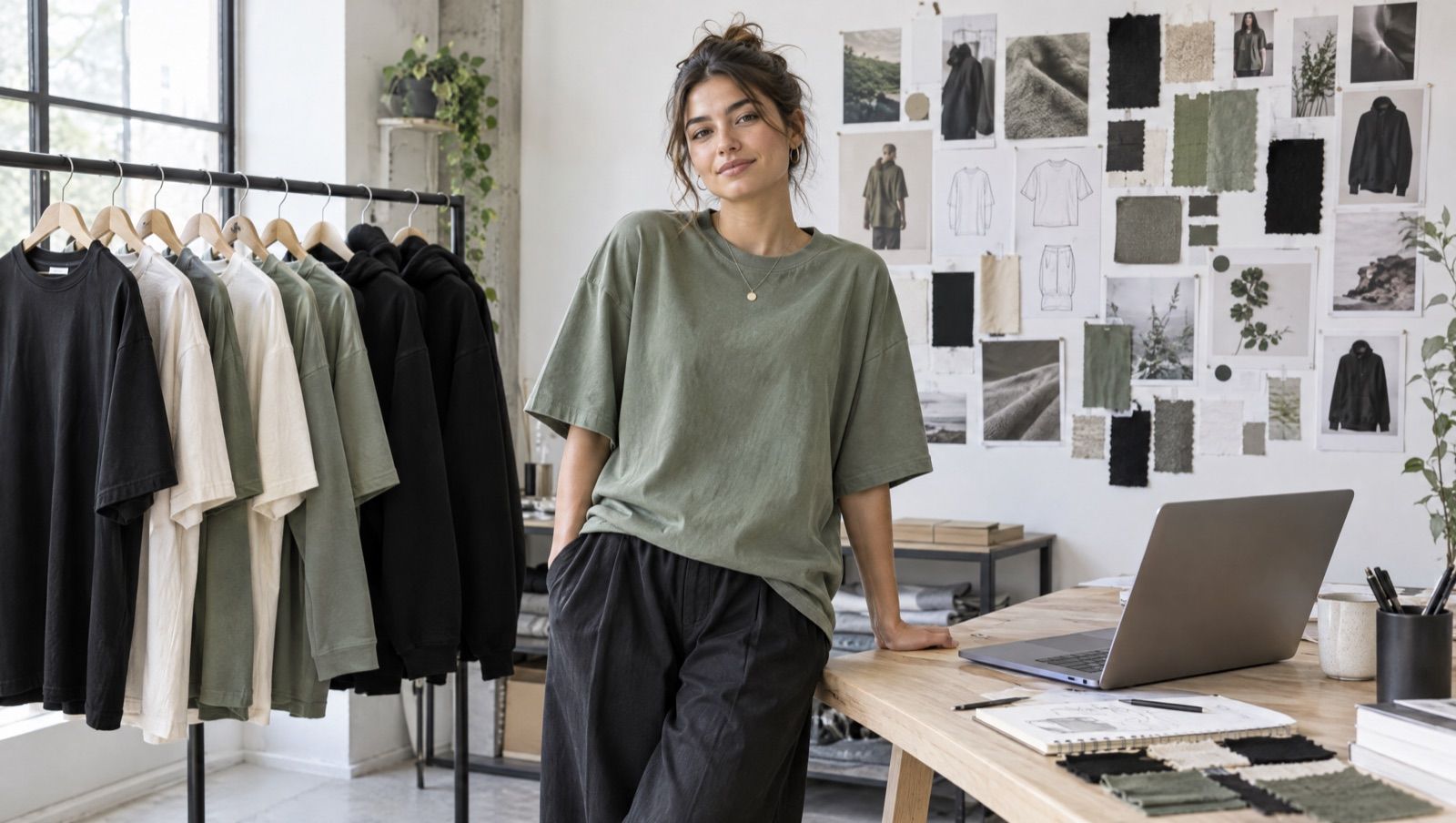
Build Your Own Fashion Brand with AI: From First Design to Finished Collection
It used to be that for your own fashion brand, you needed startup capital, a designer, a print shop and a warehouse. Today, a good idea, an AI assistant and a print on demand partner are enough. In this post, we show you how to get from your first artwork to a finished collection with AI. You'll find the basics of getting started in our post Start Your Own Fashion Brand with Print on Demand.
Step 1: Your Niche and Your Idea
A brand lives on a clear target audience. Who are you making fashion for? Mountaineers, gamers, dog lovers, a particular city? The more specific, the better. Your AI assistant helps you brainstorm: ask it about topics, slogans and styles that fit your audience. You'll find more tools for this in Top 5 AI Tools for Print on Demand.
Step 2: Create Designs with an Image AI
With image AIs like Higgsfield, you create artwork, logos and variations in minutes. Our tip: describe a consistent style, for example "minimalist white line drawing". That way, your collection looks like it's all of one piece from the start.
The best part: if the image AI is also connected to your AI assistant, it can upload the finished artwork straight to MarketPrint. You don't have to shuffle files back and forth.
Step 3: Choose the Right Products
For streetwear brands, MarketPrint's exclusive oversized collection is especially interesting: cuts you'll only find at MarketPrint. That way, you stand out from brands using the same standard shirts as everyone else.
Just ask your AI assistant:
"Which products can I sell with MarketPrint? Show me the oversized collection."
Step 4: Neck Print for the Brand Look
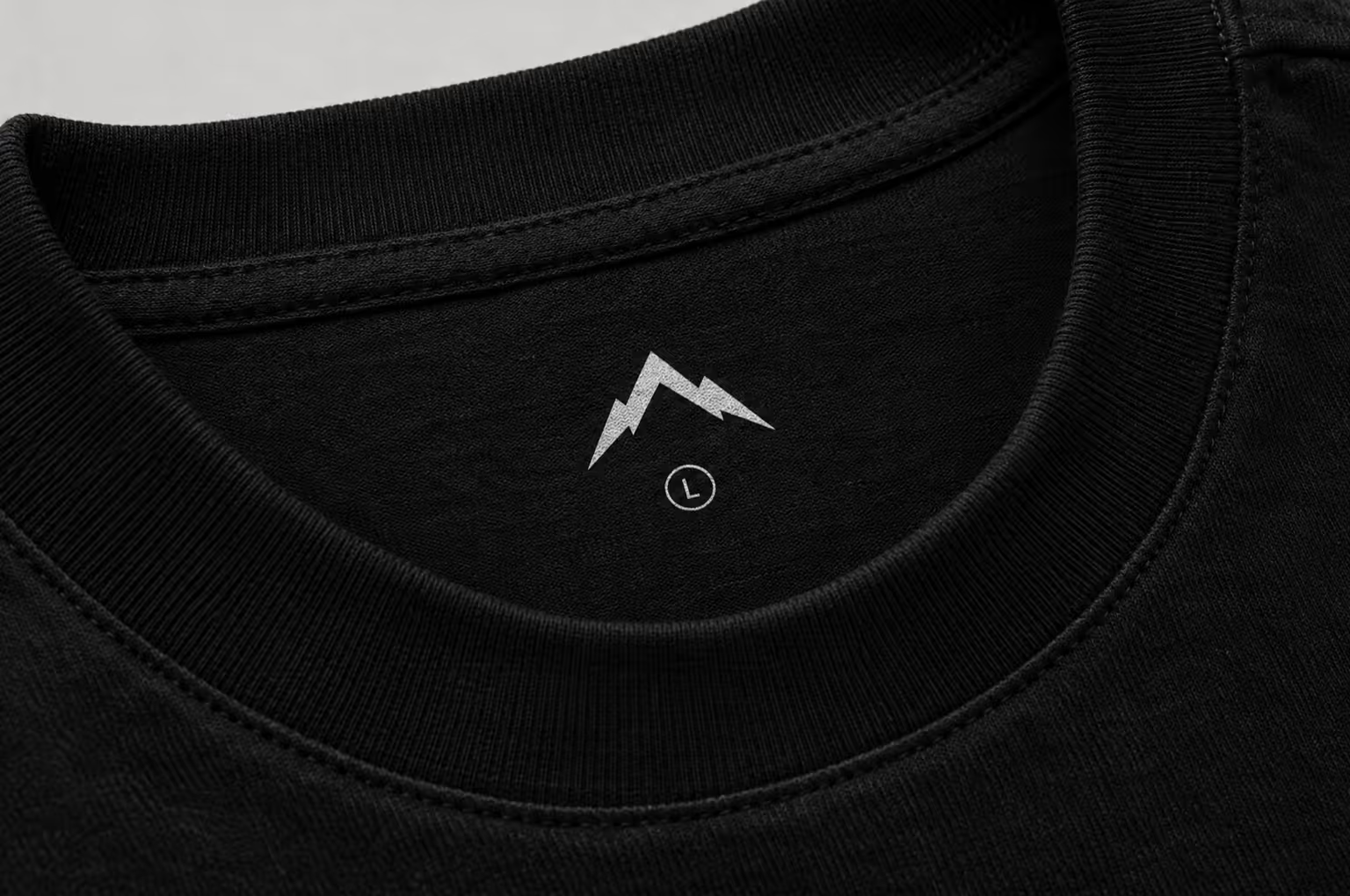
The difference between a "printed shirt" and a "brand" is often in the details. A neck print, your logo as a label on the inside of the neck, gives every piece the look of a real brand. With the MarketPrint MCP, one sentence is all it takes:
"Use my logo as a neck print."
Step 5: Bring the Collection to Your Shop
Now designs and products become a collection. You tell your AI assistant which artwork goes on which product and at what price:
"Turn 'berg.png' into a black and a cream oversized shirt for €34.99 each and put both in my Shopify store."
The AI creates the products and asks you before publishing. After that, they're in your shop right away. This works with Shopify, Etsy, WooCommerce and TikTok Shop. You can read how to bring the same collection to multiple shops in One Design, All Shops.
Step 6: Sell Without Storing Anything
When someone buys a piece from your collection, MarketPrint prints it and ships it directly to your customer: in Germany for Europe and in Houston, Texas, for the USA. You take care of brand and marketing, we take care of printing and shipping.
What Does Getting Started Cost?
Getting started with MarketPrint is 100% free and risk-free. You don't buy any stock upfront. Here's an example calculation from our homepage: you sell a T-shirt for €39.99, pay MarketPrint €13.10 for production and shipping, and keep €26.89.
Frequently Asked Questions
Do I Need Design Experience?
No. With image AIs like Higgsfield, you create artwork from a description. What matters most is a consistent style.
Which AI Assistants Can I Use?
You can connect the MarketPrint MCP to Claude, ChatGPT and other MCP-capable AI assistants.
Can I Also Sell My Brand in the USA?
Yes. MarketPrint produces in Germany for Europe and in Houston, Texas, for the USA.
Start Your Brand Today
Connect MarketPrint to your AI assistant and create your first collection: Set up the MarketPrint MCP now.