
Printing techniques
The right technique for every design.
Overview
Five processes, one goal: prints that last
DTG
Direct to Garment
The print head applies the ink directly to the textile – like an inkjet printer, just for fabric.
14 productsDTF
Direct to Film
The design is printed onto a film and transferred to the textile with heat and pressure.
48 productsSublimation
Sublimation printing
Heat turns the ink into a gas that bonds with the surface.
24 productsAll-over print
Full-surface print
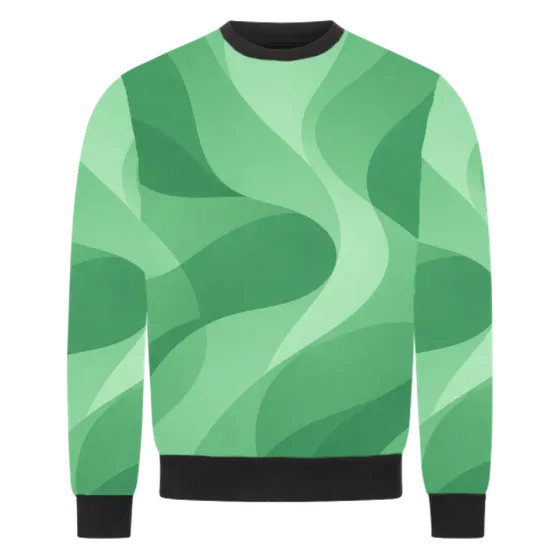
The entire garment is printed – no borders, seam to seam.
2 productsLaser engraving
Engraving instead of ink
A laser removes a wafer-thin layer of material – the design becomes part of the product.
2 products01 · Direct to Garment
DTG
Ideal for
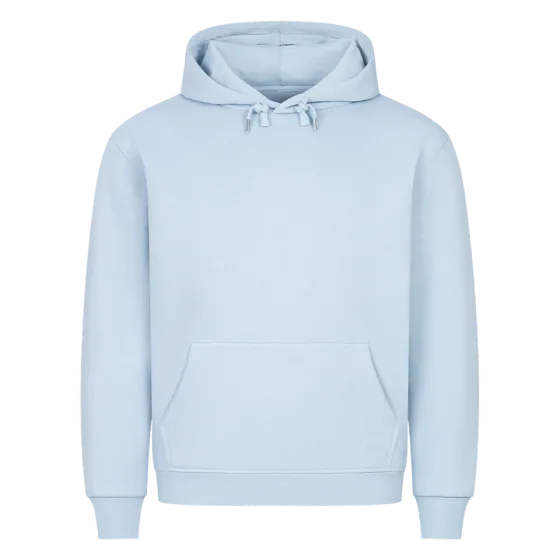
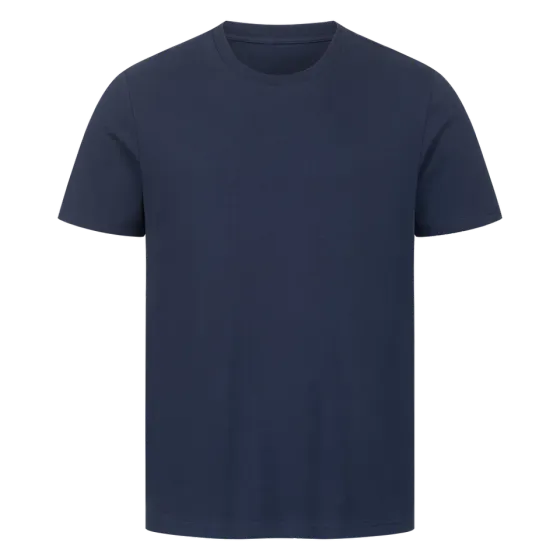
- T-shirts, hoodies and sweatshirts with a high cotton content
- Photos, gradients and designs with many colours
- Semi-transparent design elements
Advantages
- Very soft hand feel, the print is barely noticeable
- Any number of colours, no printing plate needed
- Ideal for one-offs and small quantities
Good to know
- Best on cotton, not for every material
- Neon, metallic and special colours are not possible
- Slightly more delicate to care for than DTF
14 products with DTG
More about DTG on the blog
02 · Direct to Film
DTF
Ideal for
- Almost all textiles: cotton, polyester, blends
- Caps, bags, trousers, socks and sleeve prints
- Vivid colours and crisp edges
Advantages
- Prints last longer and are easier to care for
- Fewer complaints about peeling prints
- More flexible design placement
Good to know
- The print can be felt slightly as a layer
- Semi-transparent elements work better with DTG
- A small surcharge over DTG on textiles with a choice
48 products with DTF
All about the DTF upgrade
03 · Sublimation printing
Sublimation
Ideal for
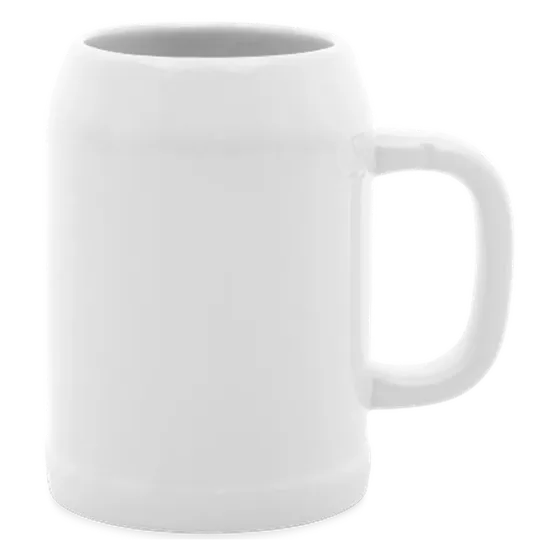
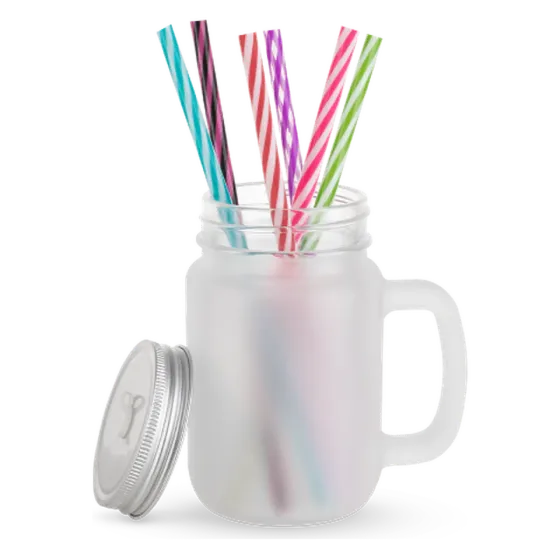
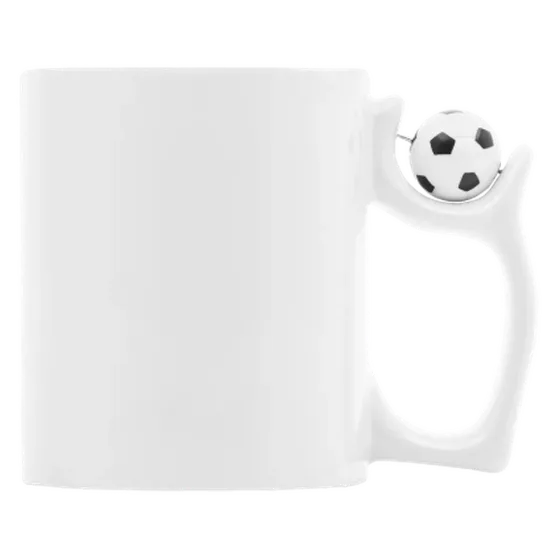
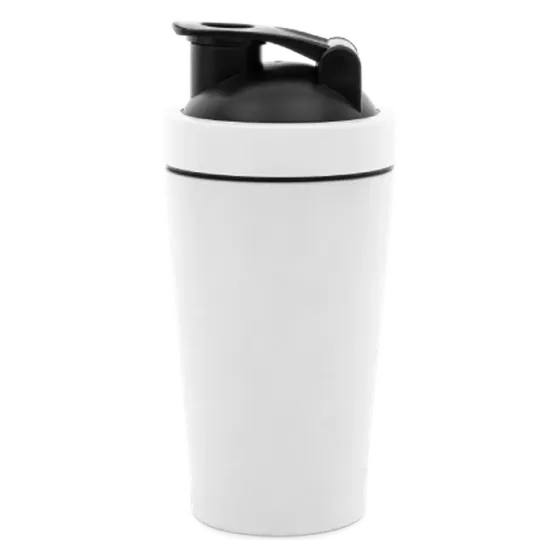
- Mugs, glasses, travel mugs and bottles
- Ornaments, keyrings, flags and doormats
- Photos and full-surface designs
Advantages
- Brilliant colours in photo quality
- Cannot be felt, no layer on the surface
- Scratch- and abrasion-resistant because the ink has soaked in
Good to know
- Only on coated or polyester surfaces
- Only on a white or light background
- White cannot be printed – the background stays as it is
24 products with Sublimation
04 · Full-surface print
All-over print
Ideal for
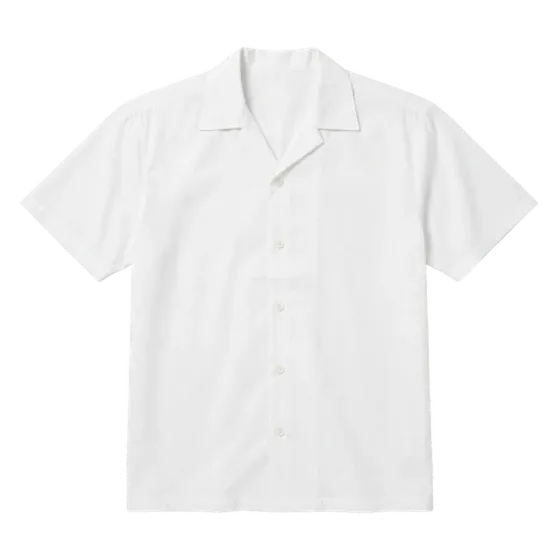
- Hawaiian shirts and sweatshirts with a continuous pattern
- Repeating patterns, camouflage, gradients
- Fashion that should stand out instantly
Advantages
- No visible print border
- Design runs across seams and sleeves
- Strong impact for streetwear and statement pieces
Good to know
- Design has to fill all pattern pieces
- Only possible on polyester products
- Small selection of base products
05 · Engraving instead of ink
Laser engraving
Ideal for
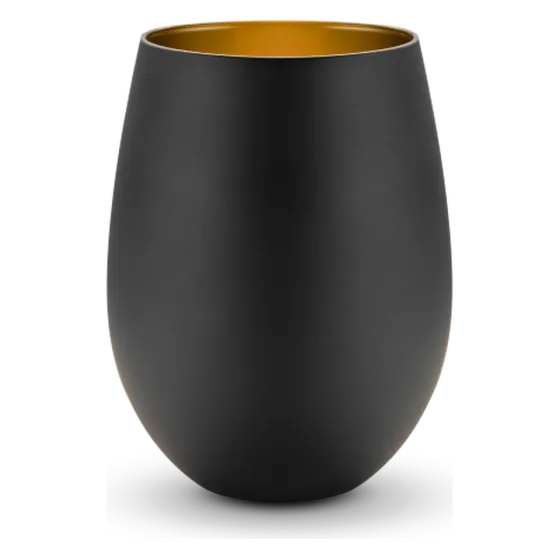
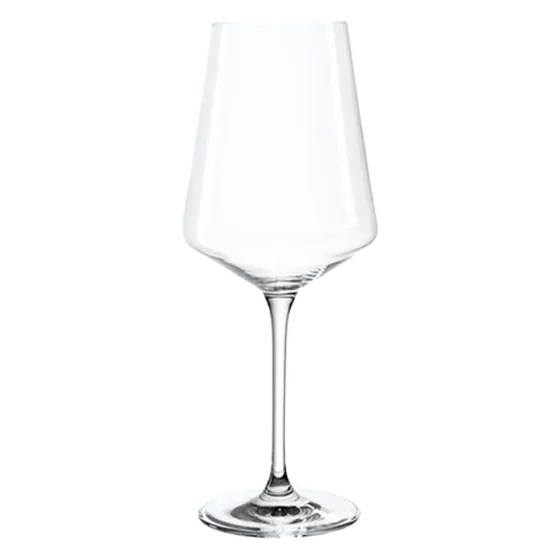
- Wine glasses and lanterns
- Names, dates, logos and line art
- Gifts and wedding or company items
Advantages
- Permanent, cannot peel off
- Elegant, understated look
- Very fine details possible
Good to know
- Single colour only – a lighter tone appears in the material
- Photos are rasterised into dots
- Hand washing recommended
Comparison
All techniques at a glance
| DTG | DTF | Sublimation | All-over print | Laser engraving | |
|---|---|---|---|---|---|
| How the colour holds | soaks into the fibre | sits on top as a layer | soaks into the surface | soaks into the fabric | material is removed |
| Materials | cotton | almost all textiles | polyester, coated surfaces | polyester | glass |
| Feel | very soft | slightly noticeable | not noticeable | not noticeable | engraving |
| Colours | unlimited | unlimited, very vivid | unlimited, no white | unlimited | single colour |
| Best designs | photos, gradients, semi-transparency | clean graphics, logos, lettering | photos, full-surface designs | patterns, repeats | lettering, lines, logos |
| In the catalogue | 14 | 48 | 24 | 2 | 2 |
Swipe the table sideways
Print files
How to make your file print-ready
300 dpi at final size
Create your design at the size it will be printed – at 300 dpi. Upscaling a small image afterwards doesn't make it sharper, just bigger and blurry.
PNG with transparency
For textiles, PNG with a transparent background is the safest format. Whatever is transparent is not printed. Otherwise, a white box in the image is printed as a white box.
Use RGB colours
Work in the RGB colour space. The print software separates the colours into the print colours and the white underbase itself.
Avoid semi-transparency
Soft shadows, glow effects and semi-transparent pixels look good on screen but quickly look patchy in print. If you need them, DTG is the better choice.
Check fine lines
Hairline strokes and very small lettering can bleed or break up in textile printing. Zoom to 100% and check that everything is still clearly legible.
No special colours
Neon, gold, silver and metallic effects are not possible in digital printing. Gold and silver can only be imitated as a colour tone.
Sublimation: fill the area
On mugs and the like, everything in the image is printed – including the background. White stays as the base. Don't let important content run to the edge.
Engraving: think black and white
High-contrast, single-colour designs work best for laser engraving. Photos are broken down into dots and lose detail.
Pixel calculator
How big should your design be printed?
Your file should be at least this big:
3,543 × 4,724 px
at 300 dpi · around 16.7 megapixels
A rule of thumb from prepress. You can see the exact print areas for each product in the designer.
Test first, then sell
Order your product once yourself before it goes into your shop. How to order samples.
FAQ
Frequently asked questions
Which printing technique is best for my design?
For most textile designs, DTF delivers the more durable results. For semi-transparent elements, soft gradients and photos on cotton, DTG is better suited. Sublimation is the standard for mugs and hard goods, laser engraving for glass. If in doubt, order the product in both versions and compare for yourself.
Can I choose between DTG and DTF for textiles?
Yes, for all textiles that offer both techniques. When creating the product, you use a button to set which process is used. For existing products, you can change the print technique later under “My products”.
Does DTF cost more than DTG?
On textiles with a choice, DTF has a small surcharge of €0.50 plus VAT per printed product compared to DTG. For every further print area, such as the back, DTG adds €3.78 excl. VAT (€4.50 incl. VAT), DTF adds €4.29 excl. VAT (€5.10 incl. VAT).
What resolution does my print file need?
As a rule of thumb, 300 dpi at the size the design will be printed. For a 30 × 40 cm design, that's around 3,543 × 4,724 pixels. Ideally save textile designs as PNG with a transparent background.
Can I print neon colours, gold or silver?
No. Neon, metallic and special colours are not possible in digital printing. Gold and silver can only be imitated as a colour tone, for example as an ochre or grey tone.
Why does my print look different from the screen?
A screen emits light, a textile doesn't. On top of that come the fabric, the textile colour and the white underbase on dark textiles. Small deviations are normal. The safest option is a sample: order your product once yourself and check the result.
How do I wash printed textiles correctly?
Wash inside out at 30 °C max, no bleach, no dry cleaning, don't iron directly on the print and air-dry instead of tumble-drying. That way the print stays looking good for a long time.
You'll find more answers in the help centre.
New · AI connector
Your shop, run
with one sentence.
Connect ChatGPT or Claude to MarketPrint. Your AI assistant creates products, sets your design and your price and puts everything in your shop – in about 2 minutes. It always asks you before publishing.
Puts your products straight into your shop
Example chat in
Claude:
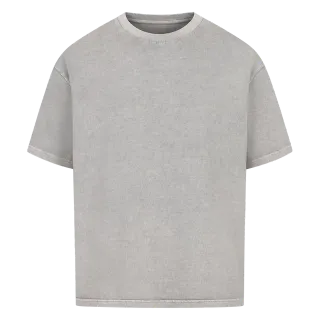
list_my_images→ berg.png foundlist_base_products→ VACANCY Oversized Shirtget_base_product_details→ Washed Grey · sizes · chest
create_shop_product→ Shopify store · €34.99