
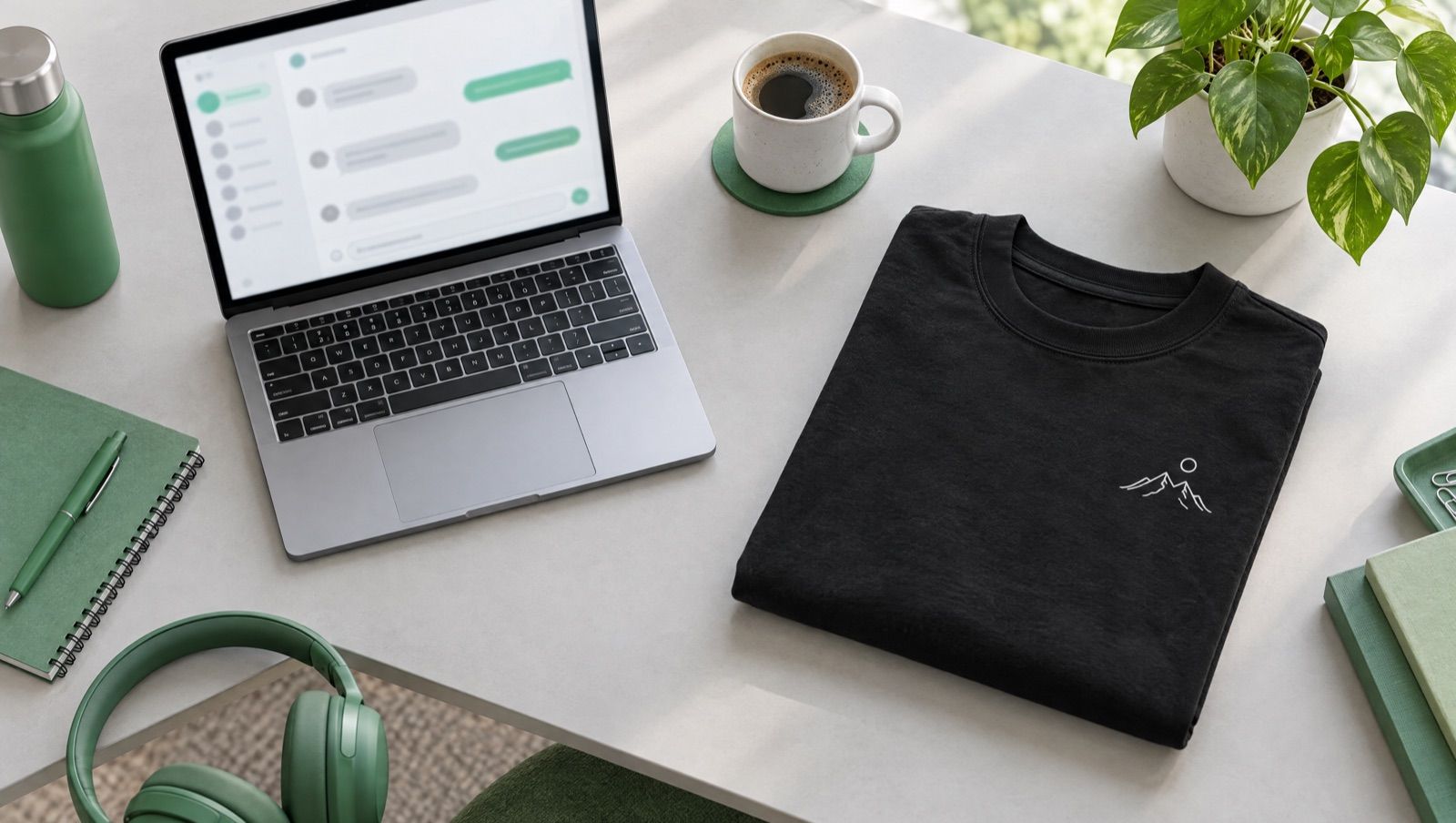
Print on Demand with Claude: From Design to Product in Your Shop in 2 Minutes
Creating a product for your print on demand shop usually takes time: picking a blank, uploading your design, placing it, setting a price, writing the copy, publishing it to your shop. With Claude and the MarketPrint MCP, a single sentence in the chat is enough. In this post, we show you how it works, what you need, and what to watch out for.
What Is Claude and What Does It Have to Do with Print on Demand?
Claude is an AI assistant from Anthropic, similar to ChatGPT. You tell it in plain language what you want, and it helps you get there. On its own, though, Claude can't look into your shop or create products. That's what connectors are for: extensions that link Claude to other programs.
The MarketPrint connector links Claude to your MarketPrint account. Technically, it's what's known as an MCP server. We explain exactly what that is in our post What Is an MCP Server?. All you need to know: with it, Claude can see your product catalog, use your designs, and put finished products into your shop.
What You Need
- A MarketPrint account (free)
- At least one connected shop: Shopify, Etsy, WooCommerce or TikTok Shop
- A Claude account
- A design, for example a logo or artwork as a PNG, or you can have an image AI like Higgsfield create it
Step by Step: How to Connect MarketPrint to Claude
- In Claude, open Settings → Connectors.
- Search for MarketPrint and click Connect. You can also find the connector directly in the Claude directory.
- Sign in with the MarketPrint account your shops are linked to.
- Done. From now on, you can work with your MarketPrint products right in the chat.
Your First Product in 2 Minutes
Now it gets exciting. You simply tell Claude what you want. For example:
"Turn my saved design 'berg.png' into a black oversized shirt with a selling price of €34.99 and put it in my Shopify store."
Claude then handles several steps in the background:
- It looks up your design in your MarketPrint library.
- It picks the right product from the catalog, in this case the oversized shirt.
- It creates the product with your design and your price.
- It asks for your confirmation before anything goes live.
- Once you say "yes", the product is available in your shop right away.
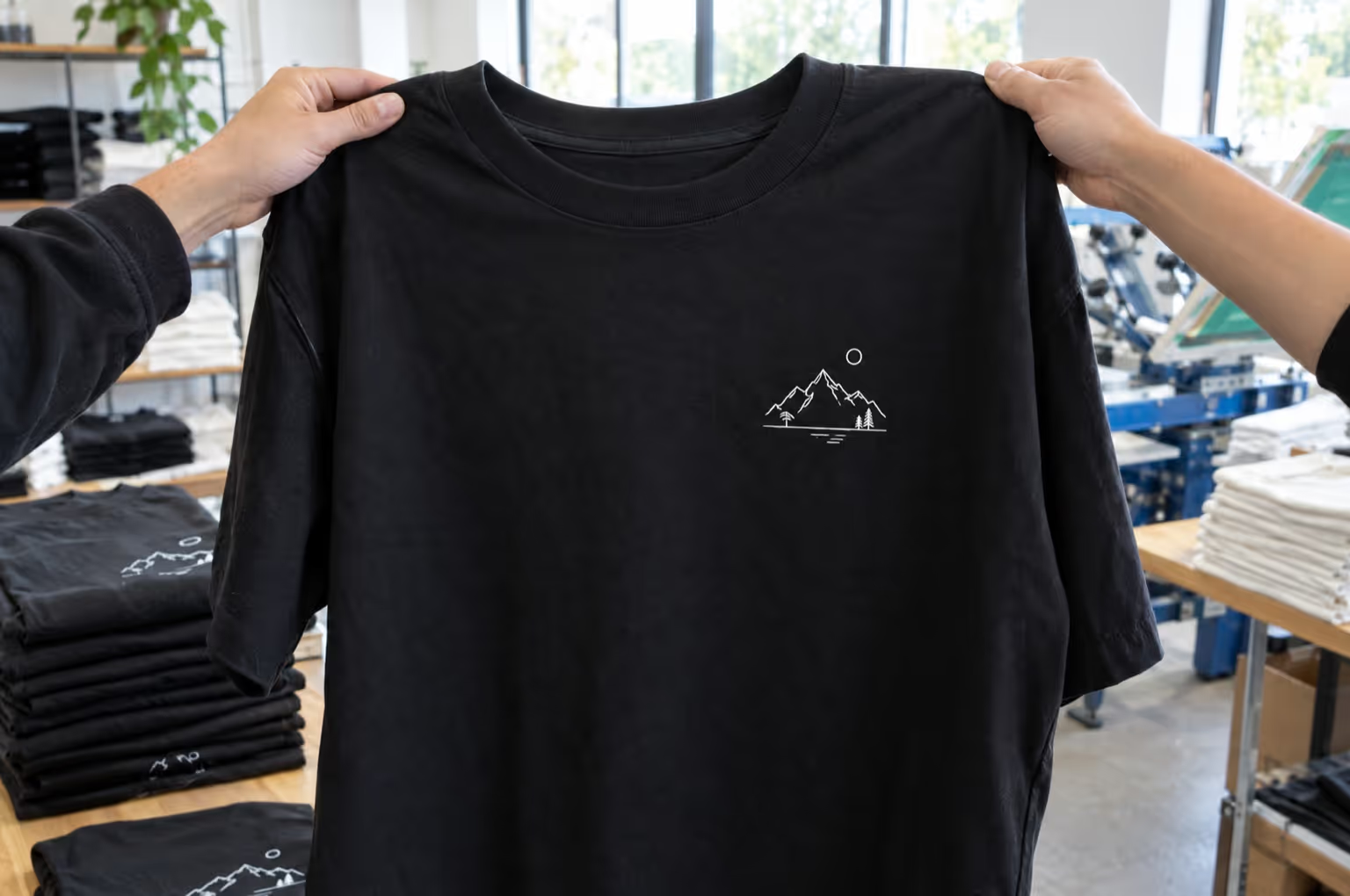
When someone buys in your shop, MarketPrint prints the product and ships it directly to your customer: produced in Germany for Europe and in Houston, Texas, for the USA. You don't have to store, pack or ship anything.
More Things You Can Tell Claude
- "Which products can I sell with MarketPrint?"
- "Show me the details for the oversized shirt: colors, sizes, print areas."
- "Upload this image as a new design."
- "Use my logo as a neck print."
- "Publish the same product in my Etsy shop too."
Is It Safe?
Yes. The MarketPrint connector is deliberately narrow in scope:
- Claude always asks first before a product is published.
- Claude sees no orders, no payments and no other people's accounts.
- Products are published only to shops you have connected yourself.
- If you remove the connector, access ends. Products that have already been published stay in your shop.
Who Is It For?
For beginners: You don't have to click through menus. You describe what you want, and Claude makes it happen. If you're just getting started, also read our post How to Build a Print on Demand Online Shop in 7 Easy Steps.
For advanced sellers: If you have lots of designs, you save time on every product. And with one sentence, you can put the same product into several shops.
Frequently Asked Questions
How Much Does the MarketPrint Connector Cost?
Getting started with MarketPrint is 100% free and risk-free.
Does It Also Work with ChatGPT or Other AI Assistants?
Yes. In ChatGPT, you connect MarketPrint as an app (you need ChatGPT Business, Enterprise or Edu in the browser for this). The steps are in our guide for ChatGPT. Other AI programs that support MCP with sign-in (OAuth) connect via the address https://mcp.marketprint.de/mcp.
Can I Have an AI Create the Design as Well?
Yes. Create your artwork with an image AI like Higgsfield, for example, and then have Claude upload it to MarketPrint. Claude then turns it into a product.
Can I Only Sell in Germany?
No. MarketPrint produces in Germany for Europe and in Houston, Texas, for the USA.
Try It Now
Connect MarketPrint to Claude and create your first product: Open MarketPrint in the Claude directory. You can find all the details about the connector at marketprint.de/mcp.