
What Is an MCP Server? Explained Simply for Print on Demand Sellers
AI assistants like Claude or ChatGPT can write texts, come up with ideas and answer questions. But looking into your shop or creating products there? For a long time, they couldn't. That's changing right now, and the reason is called MCP. In this post, we explain what's behind it, without the jargon.
MCP in One Sentence
MCP stands for Model Context Protocol. It's an open standard that lets AI assistants talk to other programs and get tasks done there.
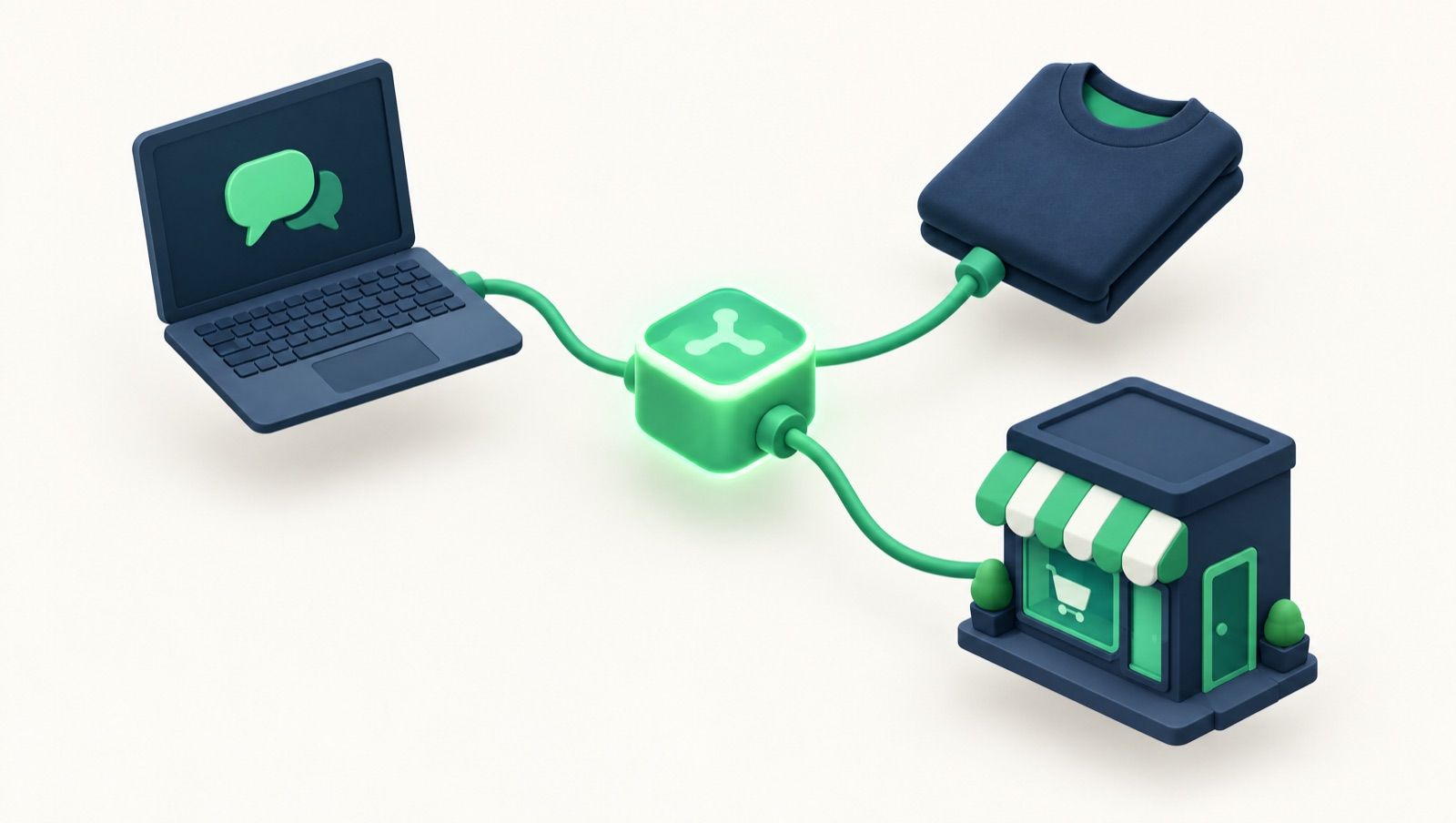
An analogy helps: think of a USB plug. It used to be that every device had its own cable. Today, one plug fits many devices. MCP is that kind of plug for AI: a program builds an MCP server once, and different AI assistants can connect to it.
So What Is an MCP Server?
An MCP server is the "socket" on the program's side. It tells the AI:
- What it's allowed to do, for example "show product catalog" or "create product in shop". These abilities are called tools.
- Who it is: you sign in with your account, so the AI only works with your data.
The AI then decides for itself which tool it needs for your request. You don't need to know the tools. You just talk to it normally.

An Example from Print on Demand
The MarketPrint MCP gives Claude seven tools:
list_base_products: shows all the products you can sell with MarketPrintget_base_product_details: shows details for a product, such as colors and sizeslist_my_images: shows your saved designsupload_image: uploads a new designupload_neckprint: uploads a neck print, which is your logo as a label at the back of the neckcreate_shop_product: creates the finished product in your shopget_account_info: shows your account and your connected shops
If you write to Claude: "Turn my design into an oversized shirt for €34.99 and put it in my Shopify store", Claude uses the right tools one after another. We show you what that looks like in practice in Print on Demand with Claude: From Design to Product in Your Shop in 2 Minutes.
Why Does MCP Matter for Shop Owners?
- Less clicking: Tasks that would otherwise take several menus, you get done with one sentence.
- One standard for many AI programs: You're not tied to a single tool.
- You stay in control: A good MCP server gives the AI only the exact permissions it needs.
What to Look For in an MCP Server
- From the provider itself? Official MCP servers come directly from the provider and access your real account. Community projects from third parties are often well-intentioned, but not always maintained.
- Sign-in: Reputable servers use a sign-in with your account (OAuth), instead of you copying passwords or keys in somewhere.
- Confirmation before changes: The AI should only carry out important actions after your OK.
- Limited access: What the AI doesn't need, it shouldn't see either.
The MarketPrint MCP meets all four points: it comes from MarketPrint itself, is listed in the Claude directory and in the official MCP directory, works with Claude, ChatGPT and other MCP-capable AI assistants, uses a sign-in with your MarketPrint account, asks before every publication and sees no orders or payments.
Frequently Asked Questions
Do I Need to Know How to Code to Use MCP?
No. In Claude, you connect an MCP server in a few clicks via Settings → Connectors. In ChatGPT, you set it up as an app (with Developer mode enabled). How that works for MarketPrint is shown in our guide for ChatGPT.
Can I Combine Multiple MCP Servers?
Yes, and that's where it gets exciting. If you connect an image AI like Higgsfield and MarketPrint, for example, your assistant can create artwork, upload it to MarketPrint and turn it straight into a product for your shop.
Is MCP the Same as a Plugin?
Similar. The difference: MCP is an open standard. An MCP server therefore works, in principle, with different AI assistants, not just one.
Where Do I Find MCP Servers for Print on Demand?
In the Claude directory under "Connectors" and in MCP directories like the official MCP Registry or Glama. You'll find the MarketPrint MCP there as "MarketPrint: Print On Demand".
Conclusion
MCP turns AI assistants into real helpers that don't just talk, but get things done. For print on demand, that means going from design to finished product in your shop with one sentence in the chat. Learn more about the MarketPrint MCP here.